 LotsBlog
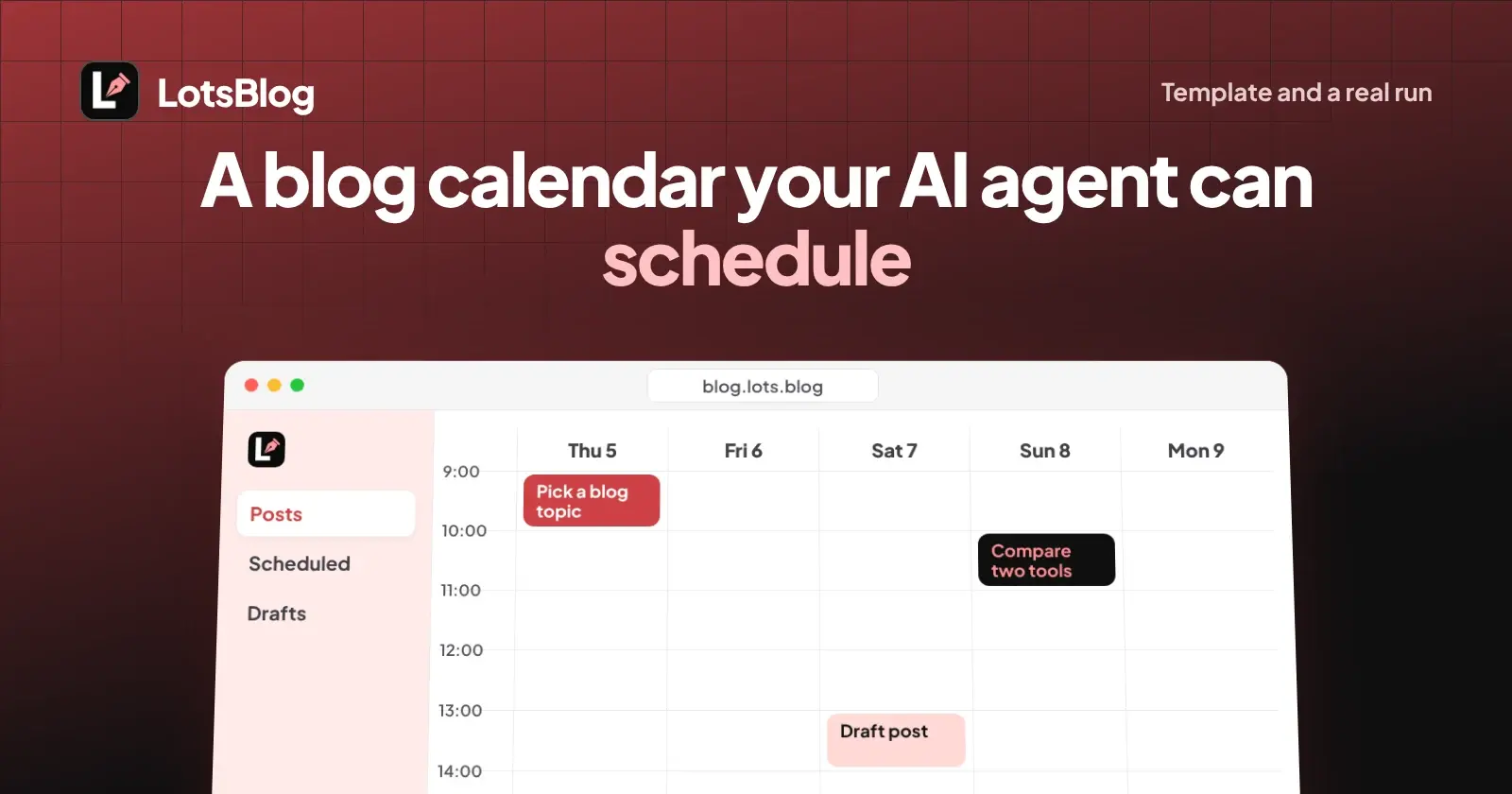
A blog editorial calendar your AI agent can schedule is one table (date, title, topic, status, target search query, link) plus one prompt that tells the agent to keep it current and to schedule a post only when you say so. Paste both into ChatGPT or Claude, connect your blog, and the agent creates the drafts and sets the dates. Below are the template, the prompt, and a real run where I had an agent schedule five posts, reschedule one and unschedule one.
The template (paste this)
Keep this table as the single source of truth. Your agent edits it, your blog holds the posts.
| Date (UTC) | Title | Topic | Status | Target search query | Link |
|---|---|---|---|---|---|
| 2026-11-05 00:30 | Working title one | How-to | scheduled | main query one | /slug-one |
| 2026-11-08 00:30 | Working title two | Comparisons | scheduled | main query two | /slug-two |
| 2026-11-10 00:30 | Working title three | How-to | draft | main query three | /slug-three |
How to fill it in:
- Date: one date and time per post, in UTC, so nobody has to guess a time zone. Leave it empty for ideas that have no slot yet.
- Title and topic: the working title and the blog topic (category) the post belongs in.
- Status:
idea,draft,scheduled,published. The last three are the states a post has on the blog, so the table and the blog never disagree.ideais only for rows that are not on the blog yet. - Target search query: the one query a searcher would type to find the post. One post, one query.
- Link: the slug while it is a draft, the full URL once it is live.
The prompt (paste into ChatGPT or Claude)
You manage the editorial calendar for my blog. Keep one Markdown table with the
columns: Date (UTC), Title, Topic, Status, Target search query, Link.

Rules:
1. Create every new post as a private draft and put its slug in the table.
2. Never schedule or publish a post until I tell you which post and which date.
3. When I say "schedule", use the exact date I give, in UTC, at least 5 minutes
   in the future, then list the scheduled posts from the blog and show me the
   result as the table, sorted by date.
4. If I move a date, update the post on the blog first, then the table.
5. If I say "unschedule", set the post back to draft and clear its date.
6. If the blog and the table disagree, the blog is right. Fix the table and tell me.
Rule 6 matters. Agents forget; the blog does not. Making the blog the source of truth means a stale table is a five-second fix.
A real run: five posts, one reschedule, one unschedule
I ran this on a temporary private test blog through the LotsBlog MCP on 3 November 2026. The agent here was me driving the same tools your ChatGPT or Claude connection uses. This is exactly what came back.
Create. I created two topics (How-to, Comparisons), then five placeholder posts with create_blog_post. Each came back with status: draft, scheduled_for: null and a private preview URL. Nothing was visible on the blog.
Schedule. I scheduled each with schedule_post and an ISO 8601 timestamp at 00:30 UTC. Each response returned status: "scheduled", the date echoed back as 2026-11-05T00:30:00+00:00 and a message such as Post "Placeholder 1: Pick a blog topic" scheduled for 2026-11-05T00:30:00Z. published_at stayed null. My five dates were 5, 7, 10, 12 and 16 November.
Read back as a calendar. list_blog_posts with status: scheduled returned all five with total: 5. Two things to know: each row carries scheduled_for, which is what you need to build the calendar, and the list is not sorted by publish date. It came back newest-created first (5, 4, 3, 2, 1). Your agent has to sort by scheduled_for itself, so tell it to. Rule 3 in the prompt does.
Reschedule. update_blog_post with only a new scheduled_for (post 2, from 7 to 8 November) kept status: "scheduled" and returned scheduled_for: 2026-11-08T00:30:00+00:00. No unschedule step needed.
Unschedule. update_blog_post with status: "draft" (post 4) returned status: "draft" and scheduled_for: null. A fresh get_blog_post confirmed it. A second list_blog_posts with status: scheduled and limit: 2 showed total: 4.
| Step | Call | What came back |
|---|---|---|
| Create 5 posts | create_blog_post | draft, no date, preview URL |
| Schedule 5 posts | schedule_post | scheduled, date echoed in UTC |
| Read as calendar | list_blog_posts (scheduled) | 5 posts, newest-created first, not by date |
| Move one post | update_blog_post (scheduled_for) | still scheduled, new date |
| Back to draft | update_blog_post (status: draft) | draft, scheduled_for: null |
What the agent can and cannot do
- It can create drafts, set topics, schedule, reschedule, unschedule and list what is scheduled, all through the connection you give it.
- It schedules only when you tell it to. The tools are built so that publishing or scheduling happens under your explicit instruction, and new posts default to private drafts. A draft never goes live by itself.
- It cannot make a scheduled status mean "live". A scheduled post is not published until its time arrives.
- Taking a live post down (unpublish) is a separate action and needs the connection's Delete permission. Moving a scheduled post back to draft worked in my run without it.
- It does the thinking. Choosing topics, queries and dates is the agent's job and yours.
What Google says about dates
Two facts I checked in Google's own documentation today, relevant to the Date column:
- Sitemaps: Google uses
<lastmod>only if it is consistently and verifiably accurate, and says it should reflect the last significant update. It also says Google ignores<priority>and<changefreq>. So do not have your agent bump a date to look fresh. Change the date when the post meaningfully changes. Source: Build and submit a sitemap. - Publication dates: show a user-visible date and give
datePublishedordateModifiedin structured data; the two must match. The date is required, the time is optional, and if you include a time zone it must be correct. Source: Publication dates in Google Search.
Checked on 3 November 2026.
If you want the structured data side, I covered the markup in blog post schema for Article, breadcrumb and FAQ. To decide what goes in the calendar once posts are live, see which blog posts to refresh using Search Console. To connect Claude Code to your blog, see publishing blog posts from Claude Code.
If you own the business
You do not need to learn a calendar tool. Keep the table in a note, paste the prompt once, and each week tell the agent "schedule the next three". You review drafts in the dashboard, which does the whole job on its own if you prefer clicking to chatting. Start at LotsBlog. New accounts get free credits when they sign up, no card.
If you run an agency
Keep one table per client blog and name the blog in the prompt, so the agent never schedules into the wrong one. Use a separate test blog for experiments, as I did.
FAQ
What should a blog editorial calendar include?
A date, title, topic, status, target search query and link for every post. One query per post keeps pages from competing with each other, and status keeps drafts from being mistaken for live posts.
Can an AI agent schedule blog posts by itself?
It can set the date on a post you tell it to schedule. It should not decide to schedule on its own, and drafts do not publish without your instruction.
How far ahead can I schedule a post?
The scheduling tools require the time to be at least 5 minutes in the future. In my run I used dates up to two weeks ahead.
How do I move a scheduled post to a new date?
Update the post with a new scheduled date. In my run the post stayed scheduled and the new date was returned. To cancel, set its status back to draft.
Does the publish date affect Google rankings?
Google's documentation asks for a visible date that matches the structured data, and says it uses sitemap lastmod only when it is consistently and verifiably accurate. Keep dates honest rather than treating them as a ranking lever.