 LotsBlog
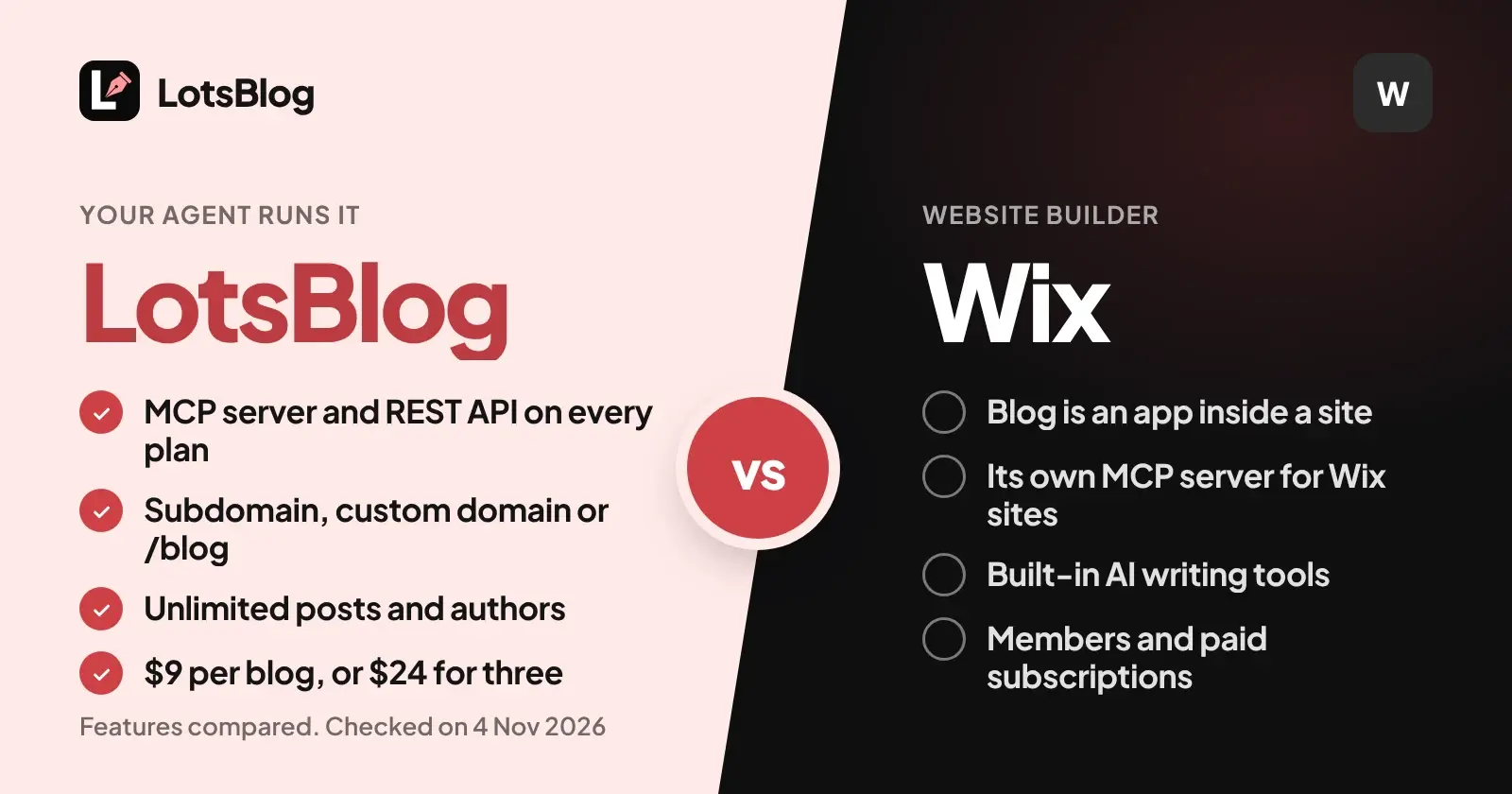
LotsBlog is the Wix blog alternative for a blog your AI agent writes and runs: your agent drafts, schedules and publishes through an MCP server and a REST API included on every plan, from $9 per blog or $24 for three. Wix is a website builder where the blog is an app inside a site you design, and Wix has its own MCP server for working on Wix sites.
So if you write in ChatGPT, Claude or Claude Code and want a company or product blog that publishes without a website project, LotsBlog fits. If you want one platform for pages, a blog, members, bookings or a store, Wix is built for that. I built LotsBlog, and the dashboard does the whole job in both, so you can write, schedule and publish there too.
Everything about Wix below comes from Wix's own help center, developer documentation and plans page, opened and checked on 4 November 2026, with links at the end.
LotsBlog vs Wix at a glance
| LotsBlog | Wix | |
|---|---|---|
| Built for | A blog your AI agent writes and runs | A website builder. Wix Blog is an app you add to a site, with a blog feed page and a blog post page |
| MCP server | https://api.lots.blog/mcp, on every plan and pay as you go. Tools for running a blog: posts, images, topics, scheduling, publishing, domains, analytics, team | https://mcp.wix.com/mcp. Its documented tools search Wix docs, write Wix code, run REST API calls on sites, and manage sites and accounts. Also a built-in connector in Claude |
| REST API | On every plan, mirrors the MCP tools | Blog APIs for posts, draft posts, categories and tags |
| Sign-in for the agent | Sign in from your agent, or an API key for agents that use one | OAuth, or an API key plus your Wix account ID |
| Where the blog lives | Its own hosted blog on a subdomain, your custom domain, or at yourdomain.com/blog with one rewrite | Blog pages inside your Wix site |
| What the price follows | The number of blogs. Every plan has every feature | A Premium plan for each site: Light, Core, Business or Business Elite, with storage and collaborator limits |
| Posts | Unlimited | Up to 100,000 posts per blog, 400 KB per post |
| Authors | Unlimited, and page views are unlimited too | Site collaborators capped by plan, from 2 on Light to 100 on Business Elite |
| Drafts and scheduling | Private drafts, scheduling and unpublish, through the agent or the dashboard | Drafts, and a scheduling option with a Scheduled tab |
| Search and AI discovery | Metadata, canonical URL per post, article and breadcrumb schema, sitemap, RSS, llms.txt, a Markdown copy of every post, IndexNow | Automatic sitemap, robots.txt, redirects and llms.txt, plus an SEO Setup Checklist and SEO Assistant |
| Analytics | Blog and article analytics, and Google Search Console numbers per post | Blog Analytics reports |
| Readers | Comments, likes, saved posts, sharing, optional email signup | Likes, follows and comments through a members area, plus paid post subscriptions |
| Writing | Your own AI agent writes, with your private blog guide | Built-in AI tools to brainstorm, outline, write and edit posts |
Where LotsBlog is the better choice
A blog with no website project around it
On Wix, the blog is an app on a site. You add Wix Blog from the editor or the App Market, it creates a Blog Feed page and a Blog Post page, and it prompts you to install a members area for logins and comments. That is a sensible setup when the blog is one part of a Wix website.
On LotsBlog, the blog exists when your agent calls create_blog. It saves your first article as a private draft, gives you a preview link, and publishes when you tell it to. The hosted blog ships with metadata, canonical URLs, article and breadcrumb schema, a sitemap, RSS, llms.txt and a Markdown copy of every post. There is no site to build first.
An MCP server made for running a blog
Wix's MCP server is a general one. Its documentation lists four kinds of actions: searching the Wix docs, writing code for the Wix platform, running REST API calls on specific sites, and creating, updating and publishing sites and managing accounts. The page does not list blog-specific tools, so blog work goes through Wix's Blog APIs.
LotsBlog's MCP server does one job. Once your agent connects, it reads your private blog guide (audience, voice, facts, rules), saves articles as private drafts, uploads images, sets topics, schedules, publishes and unpublishes, connects your domain and reads analytics. It can also invite teammates and change roles. Drafts never publish until you tell the agent to, and scheduled posts go out on the next 15-minute check. The same operations are in the REST API for scripts, CI or your own app, and the walkthrough is in The LotsBlog REST API.
One price for a number of blogs, every feature on every plan
LotsBlog charges for the number of blogs: Starter covers 3 for $24 a month, Pro covers 10 for $69 and Business covers 30 for $159, or pay $9 per blog a month from credits with no plan. Yearly is ten times the monthly price. The MCP server, REST API, custom domain, scheduling and analytics are in every plan. A blog beyond your plan is paid from your credits at your plan's rate.
Posts, page views and authors are unlimited. New accounts get free credits when they sign up, no card, enough to run one blog for about a month.
On Wix, the plan belongs to a site, and the plans page lists storage and site collaborators per plan. A custom domain needs a Premium plan. Check the plans page for what the plan you need includes.
yourdomain.com/blog through one rewrite rule
LotsBlog serves any blog at a path on your own site on every plan. Your agent calls connect_domain with /blog, and you get copy-ready rewrite rules for Cloudflare Workers, Vercel, Next.js, Netlify or Nginx. You add one rule, and check_domain confirms it. Canonical URLs, the sitemap, RSS and llms.txt then use example.com/blog. The full walkthrough is in How to Host Your Blog at yourdomain.com/blog With LotsBlog.
The rewrite rule lives on a server or edge layer you control. If your marketing site stays on Wix, the simple route is a subdomain such as blog.example.com, which connect_domain sets up with a CNAME record that you add at your DNS provider. More options are in How to Add a Blog to an Existing Website.
Search numbers for you and your agent
Connect Google Search Console and LotsBlog's Analytics shows clicks, impressions, click-through rate, average position, top searches and top pages, with search numbers per post. Your agent reads the same through get_blog_analytics and get_post_analytics, so you can ask it which posts to rewrite. The data refreshes once a day and runs two to three days behind Google.
Where Wix fits
A whole website. Wix Blog sits next to everything else on a Wix site. If you want pages, a blog, members and a store from one platform, with templates and a visual editor, that is what Wix is for.
Built-in writing help. Wix's AI tools brainstorm topics, outline, write full posts, create images and edit tone, from the Blog section of the dashboard. LotsBlog does not write for you: your own agent does, on its own plan.
Members and paid content. Wix Blog supports likes, follows and comments for site members, and paid subscriptions that give members access to exclusive posts.
Translation and mobile. With Wix Multilingual you can translate your blog into other languages, and the Wix app lets you write and edit posts and manage comments from a phone.
Roles for a team. Wix documents blog editor, blog writer, guest writer and managed writer roles, including guest writers whose posts need your approval before they go out.
If you run blogs for clients
Wix plans belong to a site, so each client blog lives inside a client site. On LotsBlog, one plan covers a number of blogs: Starter 3, Pro 10, Business 30. Your agent can create each client's blog, set its topics and private guide, and invite the client as an author, editor or admin with the team tools. Ownership of a blog can be transferred to the client's LotsBlog account when the work is done.
How to start a LotsBlog blog next to your Wix site
Connect LotsBlog to the agent you already use. In ChatGPT, Claude, Claude Code, Cursor or Codex, give it this:
Read https://lots.blog/skill.md and connect LotsBlog. Create a blog for my company and connect it at blog.example.com. Then save the posts I paste below as private drafts with the same titles, grouped into topics. Don't publish anything until I say so.
Your agent creates the blog, returns the DNS records for your subdomain, saves the drafts and gives you a preview link for each. Check them, then tell it to publish them or schedule them a day apart. While both versions are live, your agent can set a LotsBlog post's canonical URL to the original Wix article so search engines know which one counts.
To see how other platforms handle agent access, read LotsBlog vs WordPress.com, LotsBlog vs Webflow and The Best Blogging Platforms With MCP Support, or browse every comparison at lots.blog/compare.
Which one should you choose?
Choose LotsBlog if:
- You write with ChatGPT, Claude or Claude Code and want the agent to run the blog through MCP.
- You want a blog online without building a website around it.
- You want your blog at
yourdomain.com/blogor on a subdomain, with canonical URLs, RSS,llms.txtand a Markdown copy of each post included. - You want a price per blog, with every feature on every plan and unlimited posts, page views and authors.
- You run several blogs, for yourself or for clients.
Choose Wix if:
- The blog is one part of a Wix website that also has pages, members or a store.
- You want a visual editor and built-in AI writing tools in one dashboard.
- You want paid post subscriptions or a translated blog.
Free credits when you sign up, no card, enough to run one blog for about a month. See pricing or set up the MCP server.
Common questions
Is LotsBlog a Wix blog alternative?
Yes, for a blog your AI agent writes and runs. LotsBlog costs $9 per blog or $24 for three, includes an MCP server and REST API on every plan, and serves blogs on a subdomain, a custom domain or at yourdomain.com/blog. For a whole website with pages, members and a store, Wix is built for that.
Does Wix have an MCP server?
Yes. Wix's documentation describes an MCP server at mcp.wix.com/mcp that searches Wix docs, writes Wix code, runs REST API calls on specific sites and manages sites and accounts. You sign in with OAuth, or use an API key plus your Wix account ID, and it is also a built-in connector in Claude. Its documentation does not list blog-specific tools.
Can an AI agent publish blog posts on Wix?
Wix's Blog APIs let you create and manage posts, draft posts, categories and tags, and its MCP server can run API calls on a site. LotsBlog gives your agent blog tools directly: drafts, images, topics, scheduling, publishing, domains and analytics, with the same operations in a REST API.
Can I host a LotsBlog blog at yourdomain.com/blog?
Yes, on every plan. Your agent calls connect_domain with /blog and you add one rewrite rule on your own site, with copy-ready rules for Cloudflare Workers, Vercel, Next.js, Netlify and Nginx. A subdomain such as blog.example.com works with a CNAME record.
Can I use LotsBlog and keep my Wix site?
Yes. Keep your marketing pages on Wix and put the blog on a subdomain such as blog.example.com, which LotsBlog connects with a CNAME record. Your agent can save your existing posts as private drafts and set each post's canonical URL while both are live.
Does LotsBlog write my posts?
No. Your own AI agent, ChatGPT, Claude or whichever you use, researches and writes, on its own plan. LotsBlog stores the drafts and images, holds your private writing guide, schedules, publishes, hosts and reports analytics.
Wix details checked on 4 November 2026 from wix.com/plans, the Wix Blog help article, scheduling blog posts, Wix AI tools for blog posts, SEO best practices, writers and editors, the Wix MCP documentation and the Wix Blog APIs. LotsBlog details from lots.blog/pricing, lots.blog/skill.md and api.lots.blog/docs.md. Features change; check their pages for the latest.