 LotsBlog
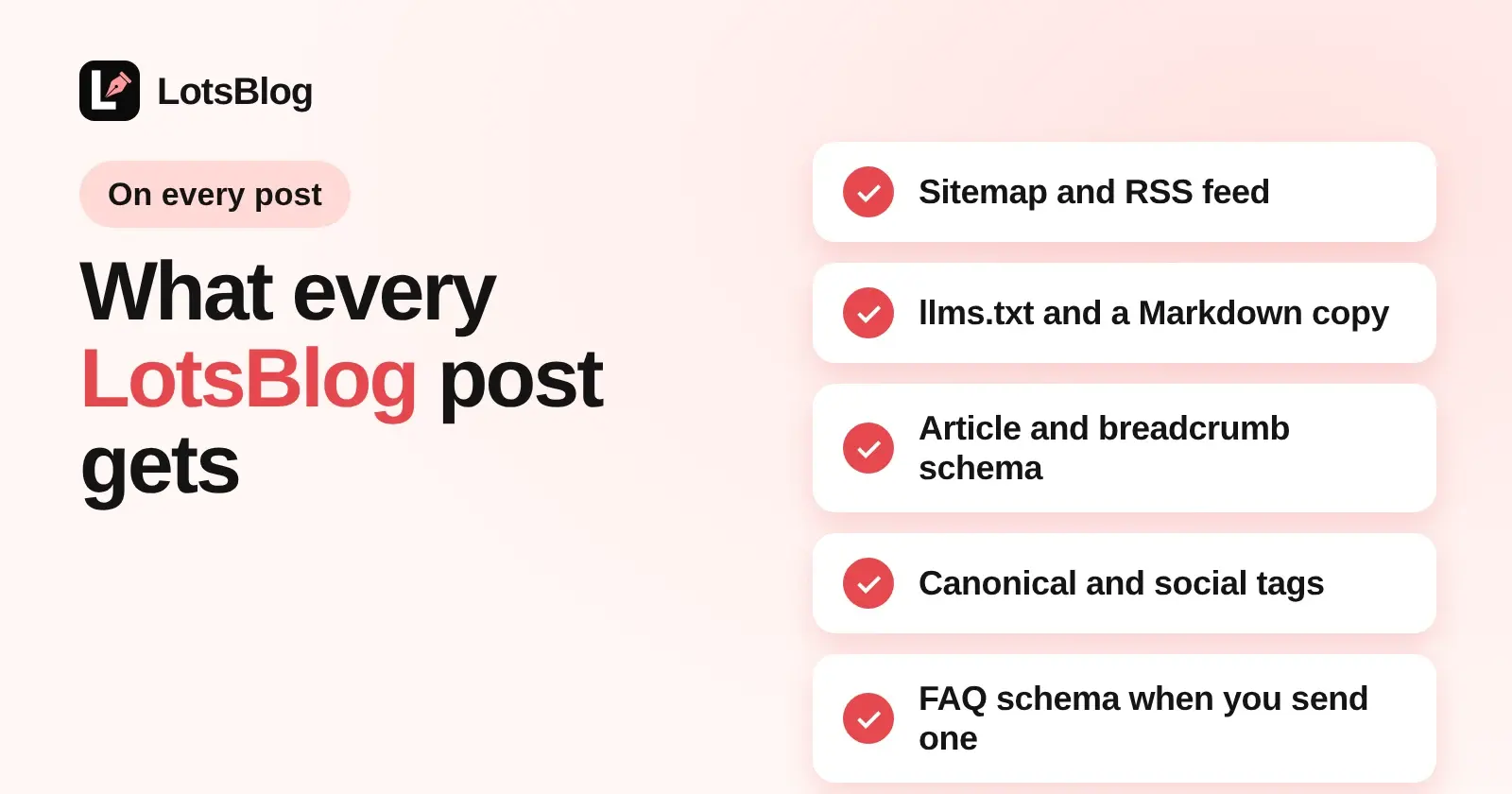
Every published LotsBlog post is listed in the blog's sitemap, RSS feed and llms.txt, has its own Markdown copy, and carries Article and breadcrumb schema plus canonical and social tags, with nothing for you or your agent to switch on. FAQ schema is added when your agent sends it with the post. I built LotsBlog so the files that search engines and AI assistants look for exist from the first published article, on a LotsBlog address, your own domain or your own /blog folder. I opened each file on a live blog on 16 November 2026 and read the code that makes it. Here is exactly what you get.
The short version
| What | Where it lives | What is in it |
|---|---|---|
| Sitemap | /sitemap.xml | Home page, every published post, every topic that has a published post, and your pages |
| RSS feed | /rss.xml (also /feed.xml) | The 20 newest published posts with title, link, date, summary, author and cover image |
llms.txt | /llms.txt | A Markdown index of up to 500 published articles, each linking to its Markdown copy, plus links to the RSS feed and sitemap |
| Markdown copy | /<post-slug>.md | The article's title, its source URL, publish date and the stored Markdown |
| Schema | In every post page | Article and BreadcrumbList automatically, FAQPage when the post has one |
| Page tags | In every post page | Canonical link, Open Graph and Twitter card tags, an RSS link and a link to the Markdown copy |
robots.txt | /robots.txt | Allows crawling, blocks only account and API paths, and always carries a Sitemap: line |
Checked on 16 November 2026 against the live blog at blog.lots.blog and the blog engine's code.
The sitemap
Your sitemap lists the home page, each published post with a lastmod date taken from the post's last update, each topic that has at least one published post, and your pages. A draft or a scheduled post is not in it until it goes live. A cross-post whose canonical URL points to another site stays out, so you never ask Google to index a page you told it is a copy.
The address in every <loc> is your blog's real address. On a blog served at example.com/blog the sitemap lists example.com/blog/... URLs, and I checked that on another LotsBlog site that runs in a /blog folder. robots.txt always ends with the Sitemap: line, even if you save your own robots.txt without one. Files are cached for up to an hour, so a fresh post can take a little while to show in the sitemap and feed. If your blog is connected to Google Search Console, your agent can also submit the sitemap with the submit_sitemap tool.
The RSS feed
/rss.xml and /feed.xml serve the same RSS 2.0 feed of your 20 newest published posts. Each item has the title, canonical link, publication date, the meta description as the summary, the author's name and the cover image. Every post page also points to the feed with an RSS <link> in its head, so feed readers find it from any article.
llms.txt and a Markdown copy of every article
/llms.txt is a plain Markdown file: your blog's name, "Public articles from" and your address, then a list of up to 500 published articles, newest first. Each entry links to the article's Markdown copy rather than its HTML page, and the file ends with links to your RSS feed and sitemap.
The Markdown copy is /<post-slug>.md. It returns the article as text/markdown with the title, a "Source:" line with the canonical URL, the publish date and the Markdown stored for the post. The response carries a Link: rel="canonical" header pointing at the HTML page, and each post page links to its copy with <link rel="alternate" type="text/markdown">. Which crawlers read these files is a separate question, and I covered robots.txt and llms.txt in How to Let AI Crawlers Read Your Blog.
Schema on every post
Every post page carries structured data:
- Article. Headline, description, cover image, publication date, author as a Person, publisher as an Organization, the page URL and your keywords.
dateModifiedappears only when the post was really edited after it was published. - BreadcrumbList. Blog, then the post's topic, then the post.
- FAQPage, when the post has a visible FAQ. Your agent sends it in the
structured_datafield when it saves the post. The platform builds Article and BreadcrumbList itself, so you only send the FAQ block, and it should match the questions visible on the page.
What Google still shows for these types has changed over time. The current picture is in Article, Breadcrumb and FAQ Schema for Blog Posts: What Google Still Shows in 2026.
Page tags and what you control
Each post page sets its canonical link, Open Graph and Twitter card tags with your cover image, and a robots tag that allows indexing only once the post is published. Your agent controls the rest through the same call that saves the post:
meta_titleandmeta_descriptionfor the search snippetdescription,meta_keywordsandfeatured_imagecanonical_urlfor a cross-poststructured_datafor the FAQ- the blog's
robots_txt, which you can edit
Publishing also announces the new post through IndexNow, alongside the sitemap. All of this runs the same on every plan and on pay as you go.
Check it on your own blog in two minutes
Replace the address with yours, and add /blog if you serve the blog from a folder:
curl -s https://yourblog.example/sitemap.xml
curl -s https://yourblog.example/rss.xml
curl -s https://yourblog.example/llms.txt
curl -s https://yourblog.example/your-post-slug.md
curl -s https://yourblog.example/robots.txt
Then open a post and search its source for application/ld+json. If the blog is private, these files answer 404 on purpose, so nothing leaks before you open it. If your blog runs in a folder on your own site, search engines read only the root robots.txt, and How to Host Your Blog at yourdomain.com/blog With LotsBlog shows the lines to copy there.
What it costs
These files come with every blog. LotsBlog is $9 per blog a month with pay as you go, or $24 a month for 3 blogs, $69 for 10 and $159 for 30, with posts, page views and authors unlimited (checked on 16 November 2026). New accounts get 10,000 free credits with no card. The full breakdown is in LotsBlog Pricing Explained, and how your agent drafts and posts is in How to Publish Blog Posts From Claude Code.
FAQ
Does LotsBlog create a sitemap and RSS feed automatically?
Yes. Every blog serves /sitemap.xml and /rss.xml (also /feed.xml) from the first published post. The sitemap lists published posts, topics with a published post and pages. The RSS feed has your 20 newest published posts.
Does LotsBlog have an llms.txt file?
Yes. /llms.txt lists up to 500 published articles as links to their Markdown copies, plus your RSS feed and sitemap. Every published article also has a Markdown copy at /<post-slug>.md.
What schema does a LotsBlog post include?
Article and BreadcrumbList schema on every post. FAQPage schema is added when the post is saved with matching FAQ structured data, which your agent can send with the post.
Do drafts and scheduled posts show up in the sitemap or feed?
No. The sitemap, RSS feed and llms.txt list only published posts. A draft stays private and opens only through its preview link, for people signed in to the blog.
Do these files work when my blog runs at example.com/blog?
Yes. Each file uses your blog's real address, so a blog served at example.com/blog lists example.com/blog/... URLs. Search engines read only the root robots.txt of your site, so add the blog's rules there.